Markdown Memo

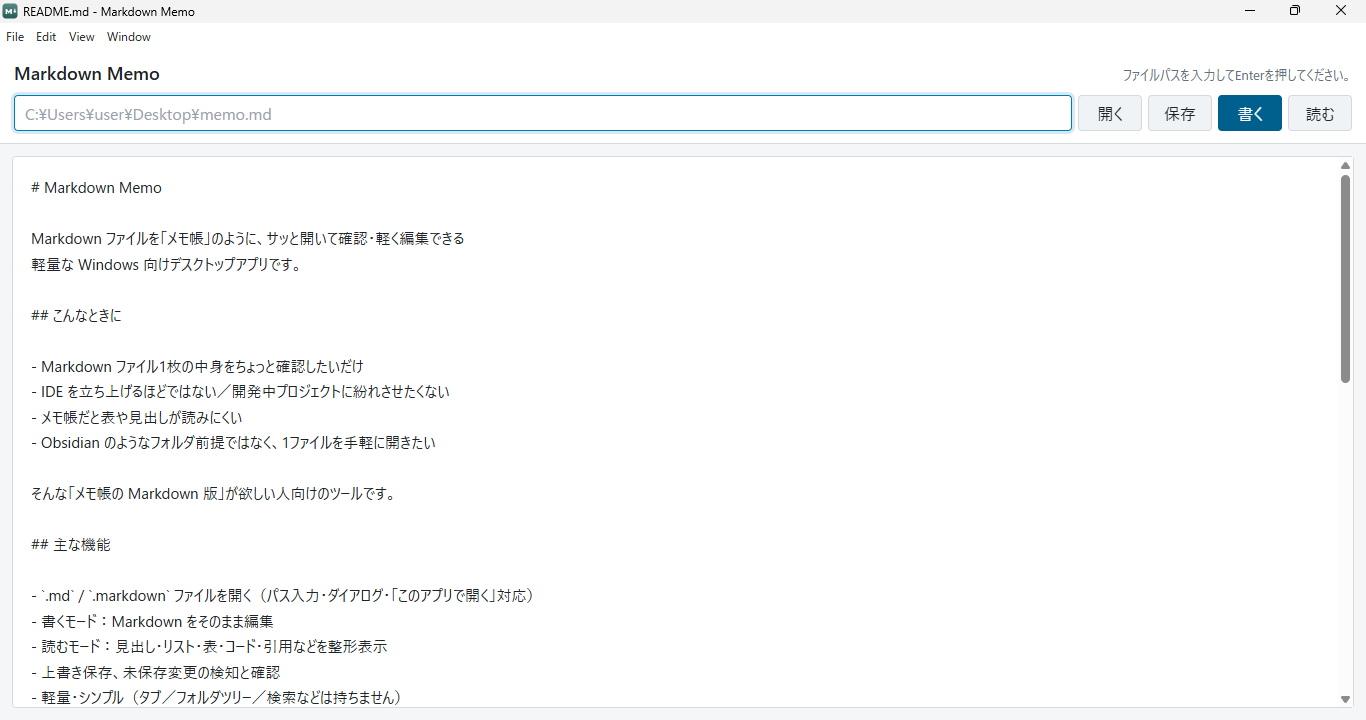
A desktop app for Windows that lets you open a Markdown file like a notepad — quickly, to check it or make small edits.
The interface is in Japanese.
Last updated:
The download page and the app itself are in Japanese.
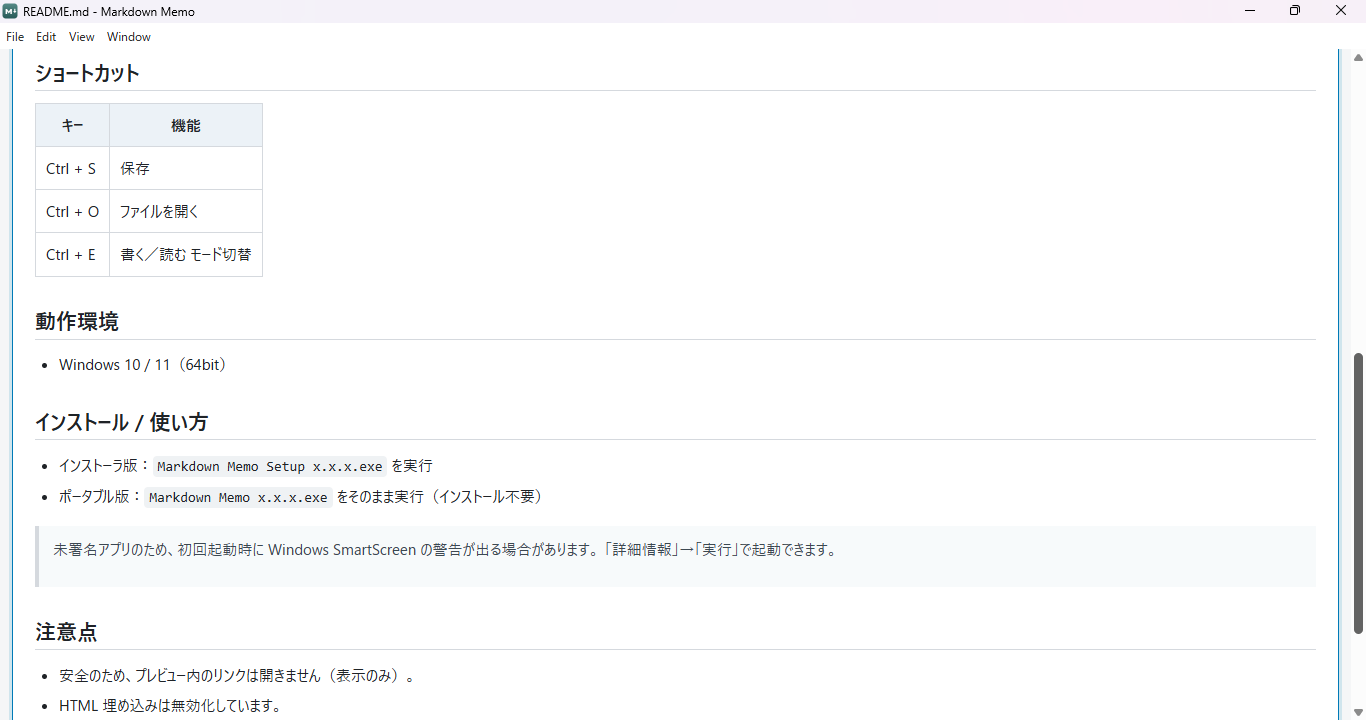
Note: for Windows 10 / 11 (64-bit). The app is not signed, so Windows SmartScreen may show a warning the first time you start it (you can still start it from "More info" → "Run").
Screens
When it comes in handy
- You just want a quick look inside a single Markdown file
- Starting up an IDE feels like too much, or you do not want the file mixed in with a project you are working on
- Tables and headings are hard to read in a plain notepad
- You want to open one file easily, rather than working from a folder the way Obsidian does
It is a tool for people who want "a notepad for Markdown".
When you want to convert Markdown to HTML and paste it into an article, you can use the Markdown → HTML Converter.
Main features
- Opens
.md/.markdownfiles (by entering a path, through a dialog, or via "Open with") - Creates an empty memo from "New", with no save location yet
- Write mode: edit the Markdown as it is
- Read mode: headings, lists, tables, code, quotes and so on are shown formatted
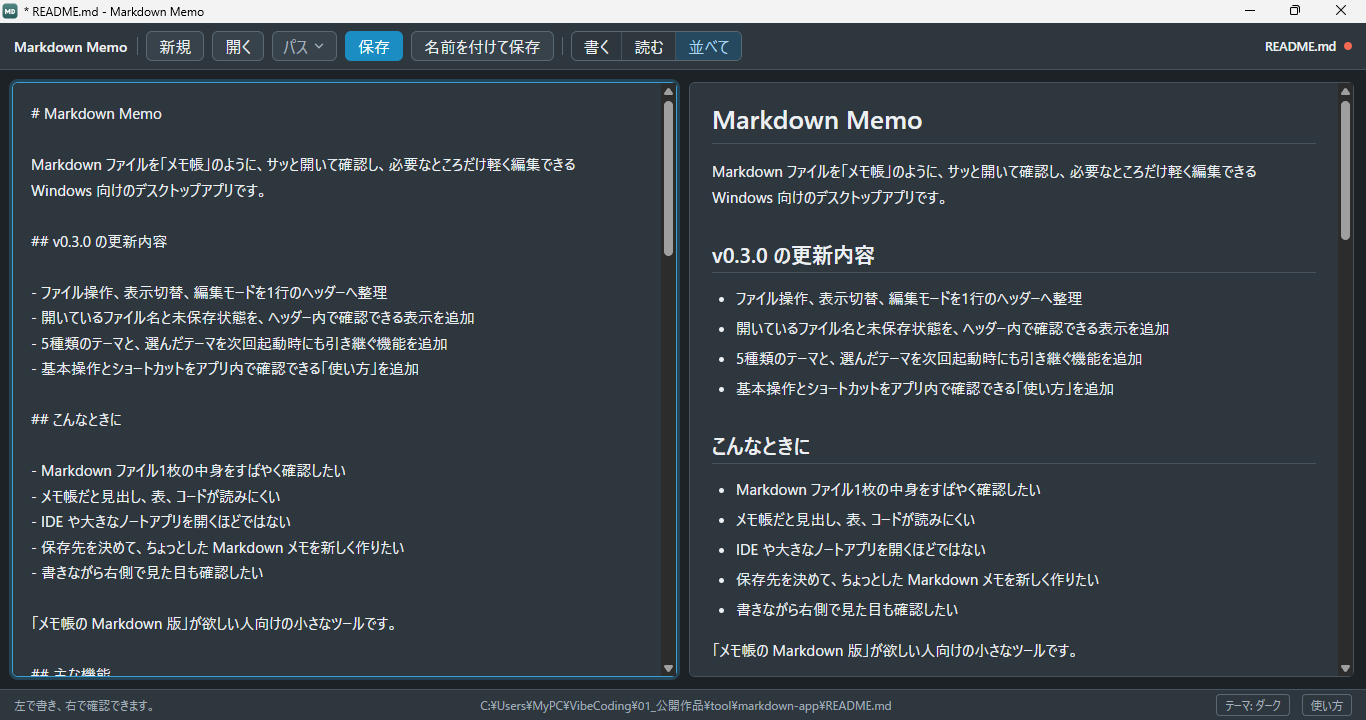
- Read-and-write view: edit on the left while watching the preview on the right
- A header that gathers file operations, view switching and edit mode into a single row
- Shows the name of the open file and any unsaved changes in the header
- Save, save as, and detection of and confirmation for unsaved changes
- Five themes (standard / warm / mint / lavender / dark), kept for the next time you start the app
- A "How to use" section at the bottom of the screen covering basic operations, view modes and shortcuts
- Light and simple (it has no tabs, folder tree or search)
Shortcuts
| Key | Action |
|---|---|
| Ctrl + S | Save |
| Ctrl + Shift + S | Save as |
| Ctrl + O | Open a file |
| Ctrl + N | New memo |
| Ctrl + 1 | Write mode |
| Ctrl + 2 | Read mode |
| Ctrl + 3 | Read-and-write view (side by side) |
| Ctrl + E | Switch between write and read mode |
Installing / how to use
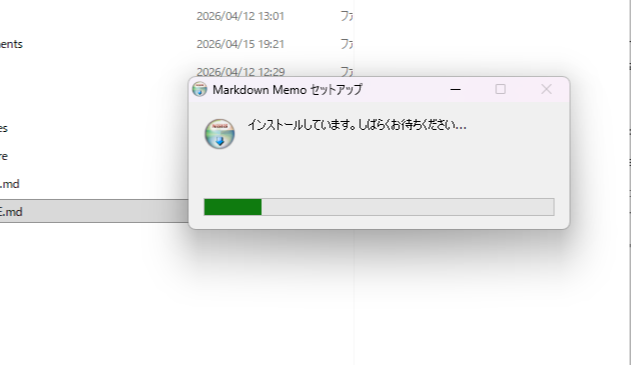
There are two versions. Pick the one that suits how you want to use it.
| Item | Installer version | Portable version |
|---|---|---|
| Getting started | Run Markdown Memo Setup x.x.x.exe and go through the setup | Just run Markdown Memo x.x.x.exe as it is |
| Desktop / Start menu icon | Created (start it from the icon next time) | Not created (double-click the exe directly) |
Registration in "Open with" and association with .md | Registered | Not registered (open files from inside the app) |
| Carrying it around (on a USB stick and so on) | Not suited to it (you install it on the PC) | Can be carried as it is |
| Removing it | Uninstall from "Settings → Apps" | Just delete the exe file |
| Who it suits | People who will use it regularly, day to day | People trying it out or using it once, or who do not want extra things on their PC |
Honest notes
- For safety, links inside the preview do not open (they are only displayed).
- Embedded HTML is disabled.
- Showing two files (a different file on each side) is not implemented in the current version.
License
MIT License
Related posts (in Japanese)
How your data is handled
The Markdown files you open are handled on your own PC. Their contents are not sent to any server belonging to this work.
This is not a work that uses browser storage. Where files are saved and how they are managed is up to your PC.
Update history
- 2026-07-15 v0.3.0 — header tidied into a single row (showing the file name and unsaved state), creating a new memo, read-and-write view (preview side by side), five switchable themes, a "How to use" dialog, and a redesigned icon
- 2026-06-04 v0.1.1 — first release

About the maker
A personal tool made by 麗 (urara), built in conversation with AI. I make things I want to use myself, things that are a little fun, small enough to build and grow one at a time.