X Post Time Heatmap
A tool that takes the "content CSV" from X Premium and makes your posting results by day of the week and hour easier to see. You can look back at your posting times based on your own record.
The interface is in Japanese.
Work last updated:
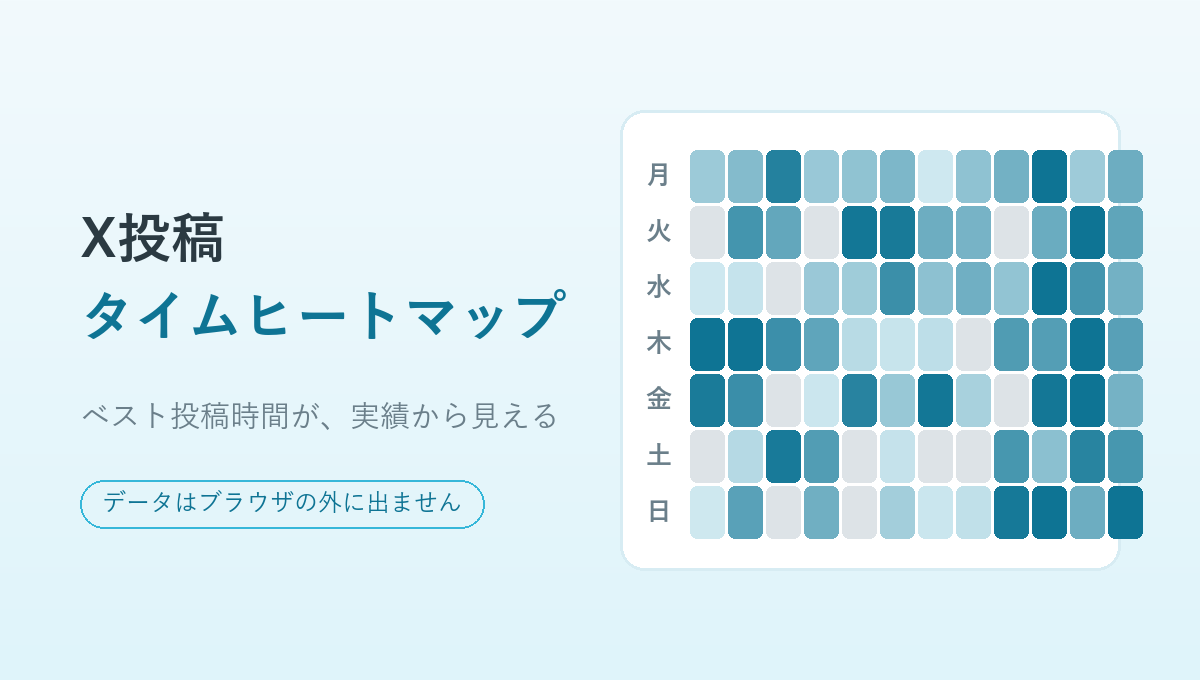
The interface is in Japanese.
How to use it
- From X Premium > Analytics > Content, download the CSV (
account_analytics_content_○○.csv) - Press "Open the tool", then drag and drop that CSV in (or click to select it)
- The heatmap by day of the week and hour, and the "top 3 best time slots", appear right away
What it can do
| Feature | Details |
|---|---|
| Heatmap | Shows how far posts reached and how much they landed as shades of color, across day of the week (7) and hour (24) |
| Switching the metric | Average impressions (how far a post reached) / engagement rate (how much it landed) |
| Top 3 best time slots | When there are few posts, it automatically groups them by "hour" or by "day of the week" and only suggests within a reasonable range |
| Excluding replies | Leaves replies that start with @ out of the totals (a toggle lets you include them) |
Requirements
- It is free to use at present. No account registration is needed.
- It supports computer and smartphone browsers.
- The analysis needs the content CSV obtained from X Premium analytics with the display language set to Japanese.
How your data is handled
The CSV you load is totaled inside the browser only. There is no processing that sends it to or stores it on the tool's server. The results are not stored permanently either, so they disappear when you reload or close the page.
- Where it is stored: Neither the CSV you load nor the results are stored in the browser.
- Backups: There is no feature for exporting the results. Please keep the original CSV yourself.
- Access analytics: This introduction page uses access analytics to see how it is being viewed. It does not collect the contents of your CSV. Please see the privacy policy for details.
Honest caveats
Because this is a prototype, the way it totals and displays things may change. Posting times are shown in your device's time zone.
- The time slot is restored from the post ID and shown in the time zone of the device you are using (JST in Japan)
- Quote reposts and community posts cannot currently be distinguished from the CSV alone (they are included in the totals)
- It assumes a CSV downloaded from X with the display language set to Japanese (Japanese headers)
- It needs the content CSV obtained from X Premium with the display language set to Japanese
- This tool is not an official tool from X
Update history
- First release.
- Split the introduction page and the tool's own page apart.
Related posts (in Japanese)

Who made this
麗 (urara) makes this as a personally developed tool, working things out in conversation with AI. I build things I want to use myself, and things that are a little fun, at a small size that I grow over time.