Will I Make It?
A work-backwards tool for deadlines. Enter the time you want to be finished by and the things you have to do, and it immediately works out what time you should start, along with the flow of the day.
The interface is in Japanese.
Released:
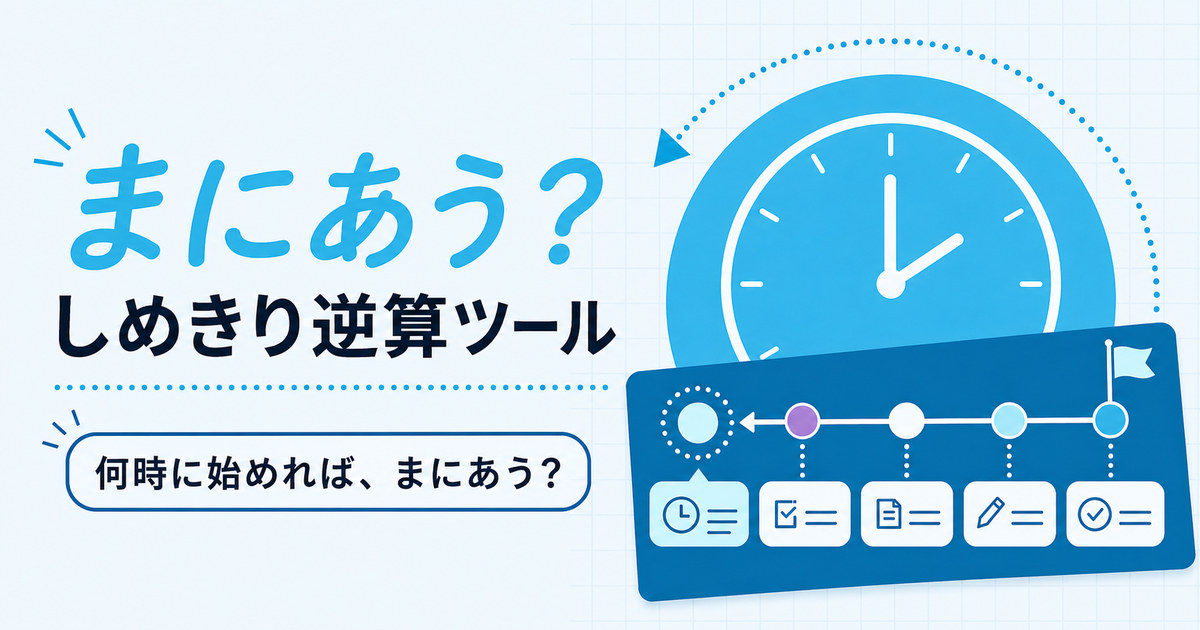
The interface is in Japanese.
How to use it
- Enter the date and time you want to be finished by (for example, you want to start eating at 18:00)
- Enter the steps you have to get through before then, and how long each one takes (in minutes)
- The time you should start, and the flow of the day, are shown automatically
What it can do
- Works backwards from the time you want to be finished to the time you should start.
- You can add, reorder and delete steps.
- You can add spare time (a buffer). You choose how many minutes it is, and between which steps it goes.
- You can start from one of the presets: getting ready to go out, an online meeting, or cooking.
- You can save combinations you use often as "My templates".
- You can look over the flow of the day as a timeline.
- You can turn the flow of the day into an image, and share it or save it to your device.
Conditions of use
- Free to use. There is no account registration and no login.
- It works in browsers on computers and phones (the layout switches to match the screen width).
- There are limits on how much you can enter.
| Item | Limit |
|---|---|
| Name of the plan | 40 characters |
| Number of steps | 30 |
| Duration of one step | 0–1440 minutes |
| Spare time | 0–240 minutes |
| My templates | 12 |
How your data is handled
The contents of the plans you enter are not sent to the author's server. Both the calculation and the making of the image happen entirely inside the browser you are using.
- Where it is stored: The plan you entered, and the templates you saved, are kept inside the browser you are using (localStorage). A template holds the plan name, the steps, the spare time and their order; the date and time you want to be finished by is not saved.
- When it is lost: If you clear the data stored in your browser (deleting history or site data, closing a private window, and so on), what you saved is cleared along with it. For details, see what browser storage is.
- Carrying data between devices: There is none. Nothing is carried over automatically to another device or another browser.
- Backups: There is no export or import feature. If there is something you want to keep, save it as an image, or make a note of it yourself.
- Sharing: The image of the flow of the day is made inside the device you are using, and is passed straight to your device's share feature or to the X post screen. Neither the image nor the text goes through the author's server.
About access analytics and other communication
This introduction page uses access analytics. It does not collect the contents of the plans you enter. For details, please see the privacy policy.
Honest notes
- It does not send notifications. Nothing tells you when the start time arrives, so please keep an eye on the clock yourself.
- The only place things are saved is inside the browser you are using. If you switch devices, or clear your browser data, what you entered will not remain.
- Sharing with an image attached behaves differently depending on whether your device and browser support the share feature. Where they do not, the text alone is passed to the X post screen.
- The result of working backwards is simply the durations you entered added up and subtracted. How long things actually take will vary with the situation.
Update history
- Released on urara.dev.

The person who made this
A personal-project tool made by 麗 (urara), built while talking it over with AI. I make things I want to use myself, and things that are a little fun, small at first and growing them over time.